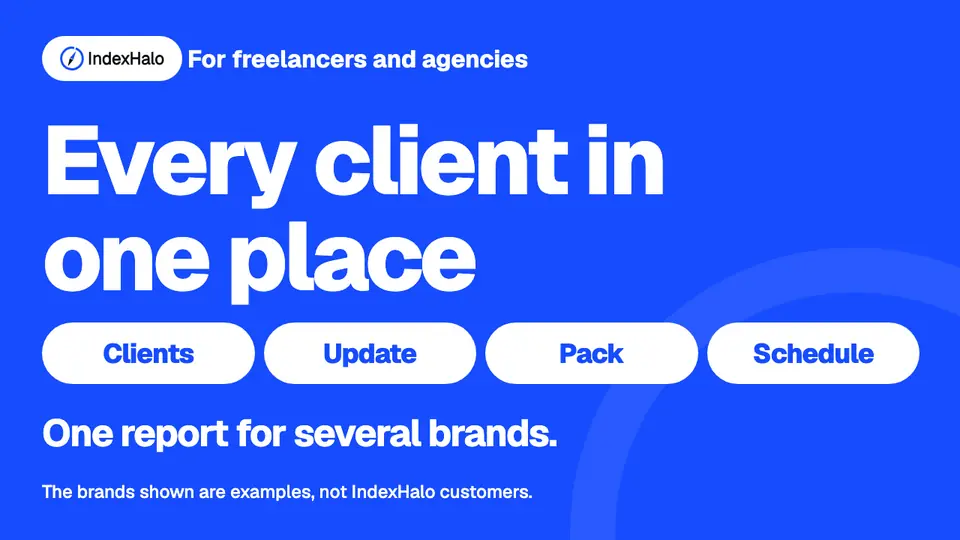
Client exceptionsOne row per client with its own rates, dates, agreed target, responsible person and the reasons it needs attention. Totals count clients; rates are never averaged across clients. Export the grid as CSV or a printable page.In the app: Home › My websites
Client packs and the internal digestOne consolidated report for up to 50 brands or a brand group, with one row per brand and each brand's own matched change; nothing is combined, averaged or ranked. The internal digest adds exceptions, notes and the responsible person, which client packs never include. Export as PDF, HTML or CSV, or send on a schedule.In the app: Home › Reports › Client packs
Apply to clientsCopy one saved report view to up to 50 client brands: sections, your branding, dates and filters. Evidence, goals, notes and the source client's "Prepared for" are never copied, and copied schedules start paused.In the app: Home › Reports › Saved views
Roles and brand accessInvite people as Admin, Reviewer / approver, Editor or Viewer; each role includes the ones below it. Limit editors, reviewers and viewers to chosen brands or brand groups, and a removed member loses access on their next request.In the app: Settings › Team › Members & roles
Review before sendingSet a report schedule to review before sending: each run is frozen for review and nothing is sent until another person approves it. The person who prepared a version cannot approve it, and the approved copy is sent unchanged.In the app: Home › Reports › Review queue
Capped schedulesRun saved questions daily, weekly or monthly (at most 31, 5 or 1 runs a month). You approve a credit cap per run and a monthly credit limit; a run that would go over either is held or skipped, never charged.In the app: Home › Reports › Schedules
Client portal and white-label reportsShare a read-only client portal link that expires after 30 days by default, or up to a year, and revoke it at any time. Reports export with your own name, logo and accent colour on every plan.In the app: Home › Reports (portal links) and Settings › Appearance (brand kit)
Notifications and a weekly digest per personEach member routes the events they care about, such as client exceptions, paused schedules and held reports, to their own email or a team channel, and can get a Monday digest of the last seven days. Both cover only the brands that person can see.In the app: Settings › Account › Notifications
Included weekly monitoringEvery plan re-checks the questions you switch on once a week with no credits used: 10 on Professional, 30 on Business and 150 on Agency. You turn it on per question and can pause it at any time.In the app: Home › Reports › Schedules